master's project
Designing a life-size holographic storytelling kiosk to preserve and share Indigenous cultural knowledge with the First Nation of Nacho Nyak Dun.
00
problem
The Northern Tutchone language has fewer than a dozen fluent speakers left. For the First Nation of Na-Cho Nyäk Dun in Mayo, Yukon, that language and its oral traditions aren’t just words; they pass down identity and wellbeing. A flat recording saves the words but not the presence: the feeling of a story told by someone actually there. Every digital archive we examined solved the words problem and ignored the presence problem entirely.
solution
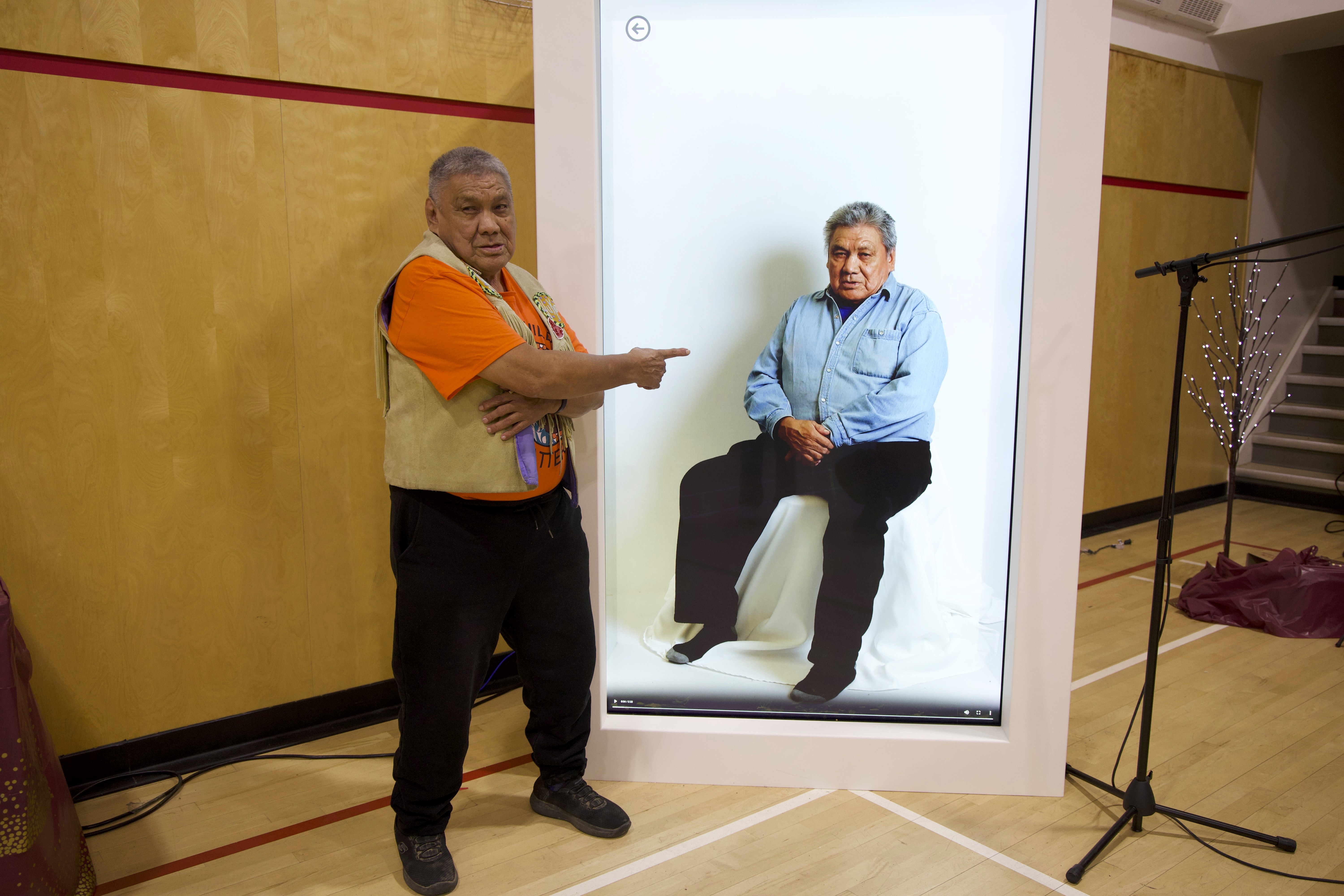
We took the HoloBox, a life-size holographic display built for conference telepresence, and rebuilt it as a cultural knowledge kiosk with NND community members. It plays oral histories, language lessons, craft demonstrations, and 3D scans of cultural belongings, delivered by real community Elders at human scale. In the Mayo community evaluation, participants described it as being told a story rather than watching a screen. That is the whole point of building this on a life-size display instead of a tablet or website.
Research
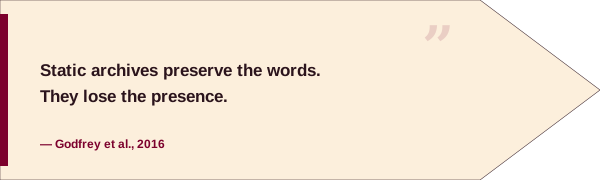
Before proposing any technology, I conducted a literature review on how Indigenous material is currently stored and the issues with those methods. The main takeaway: static archives( video, audio, text) preserve content but strip away presence.
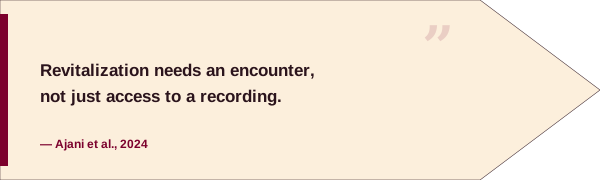
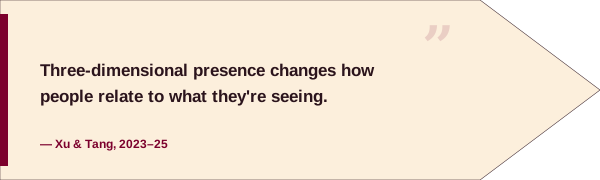
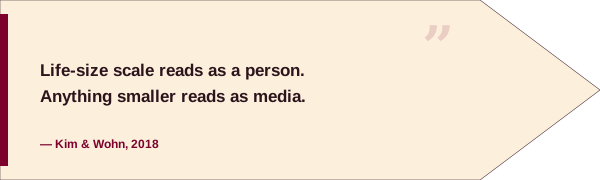
From there, the question became what would restore that presence. Ajani et al. (2024) frame language and culture revitalization as needing more than access to recordings, something closer to an encounter. Xu et al. (2025) and Tang and Zhang (2023) examine holographic and volumetric displays specifically, and both point to the same conclusion: three-dimensional presence changes how people relate to recorded content in ways a flat screen does not. Kim and Wohn (2018) go further and tie that effect to scale; life-size representation reads as a person, not as media.
Put together, the literature pointed to an answer before I used a design tool: if presence is what static archives cannot do, the fix must involve embodied scale. That led me to look for a life-size holographic platform and why the HoloBox, built for conference telepresence not cultural preservation, was repurposed instead of building something from scratch.
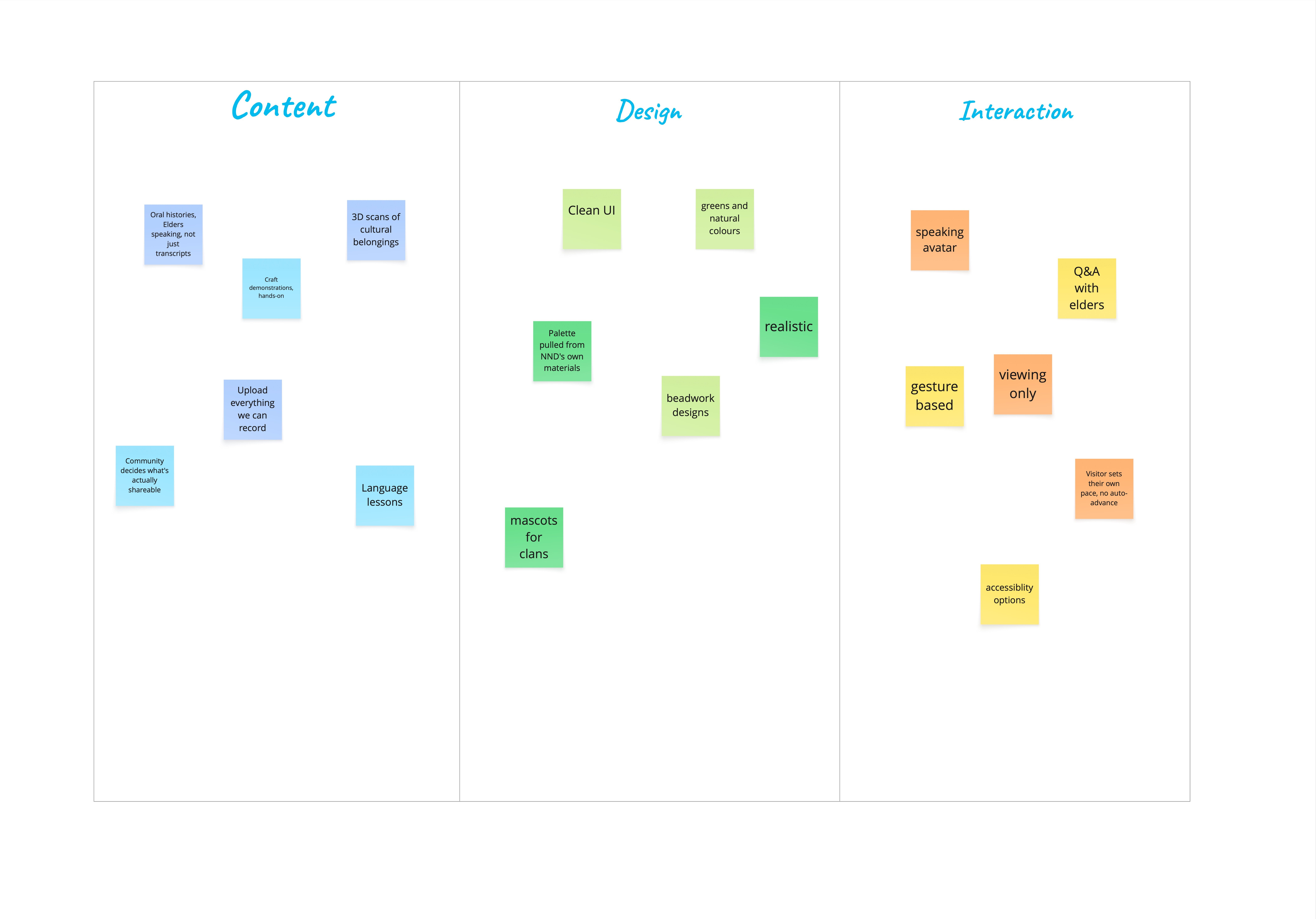
Co-design Ideation Process
Before any design began, NND community members and I ran structured brainstorming workshops using Miro. We organized the board around three questions: what the HoloBox should contain, what it should look like, and how someone should interact with it.
Not everything from those boards is shown below. A handful of notes touched on content the community asked to keep private, and those were removed before anything left the room.
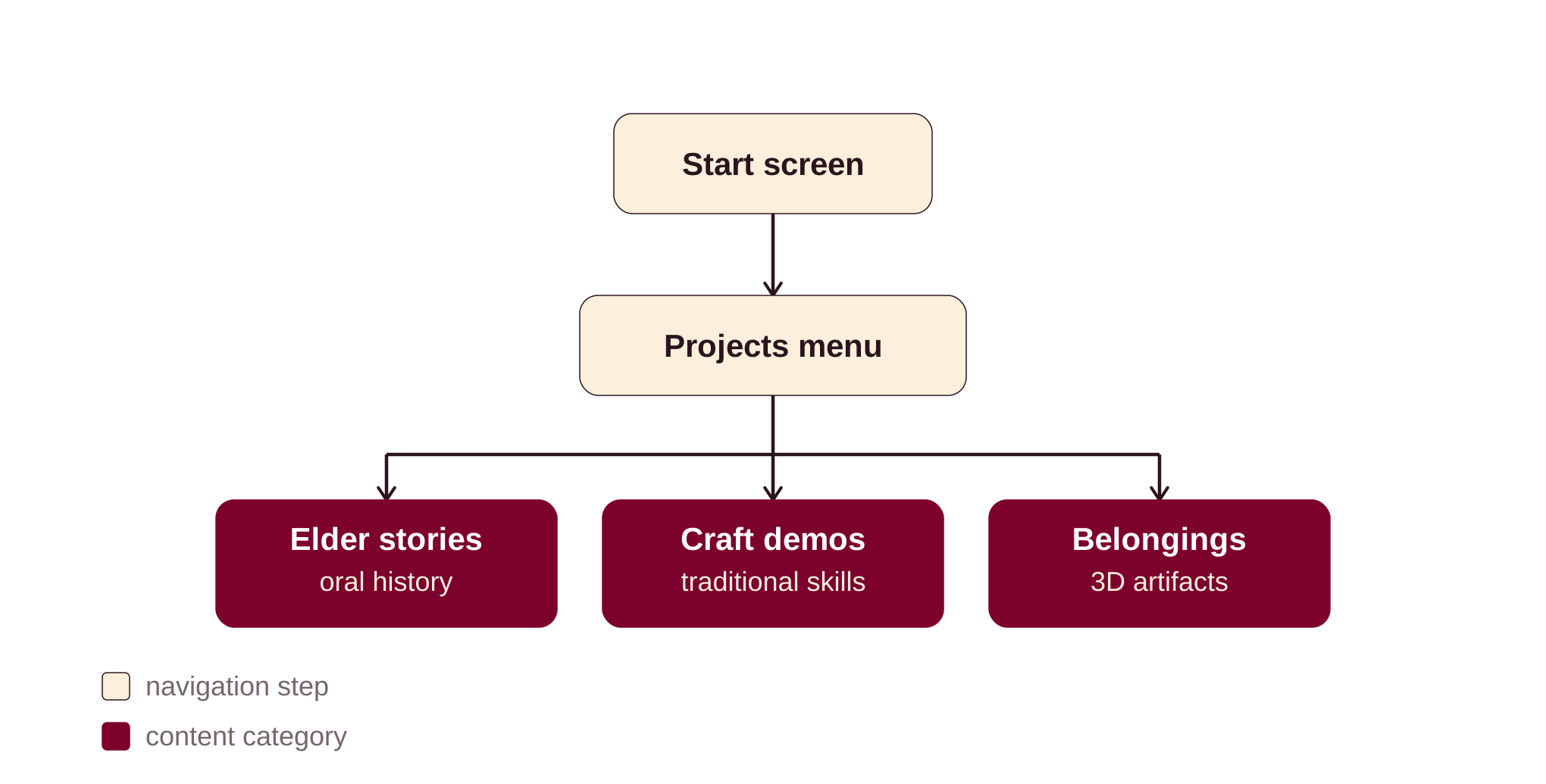
Once the Content column was full, I used Miro AI to group it into the three categories the kiosk is built around: Elder stories, craft demonstrations, and belongings. This first clustering pass let me check if the groupings matched what the community said instead of sorting by hand. From there, I began drafting the user journey for the holobox.
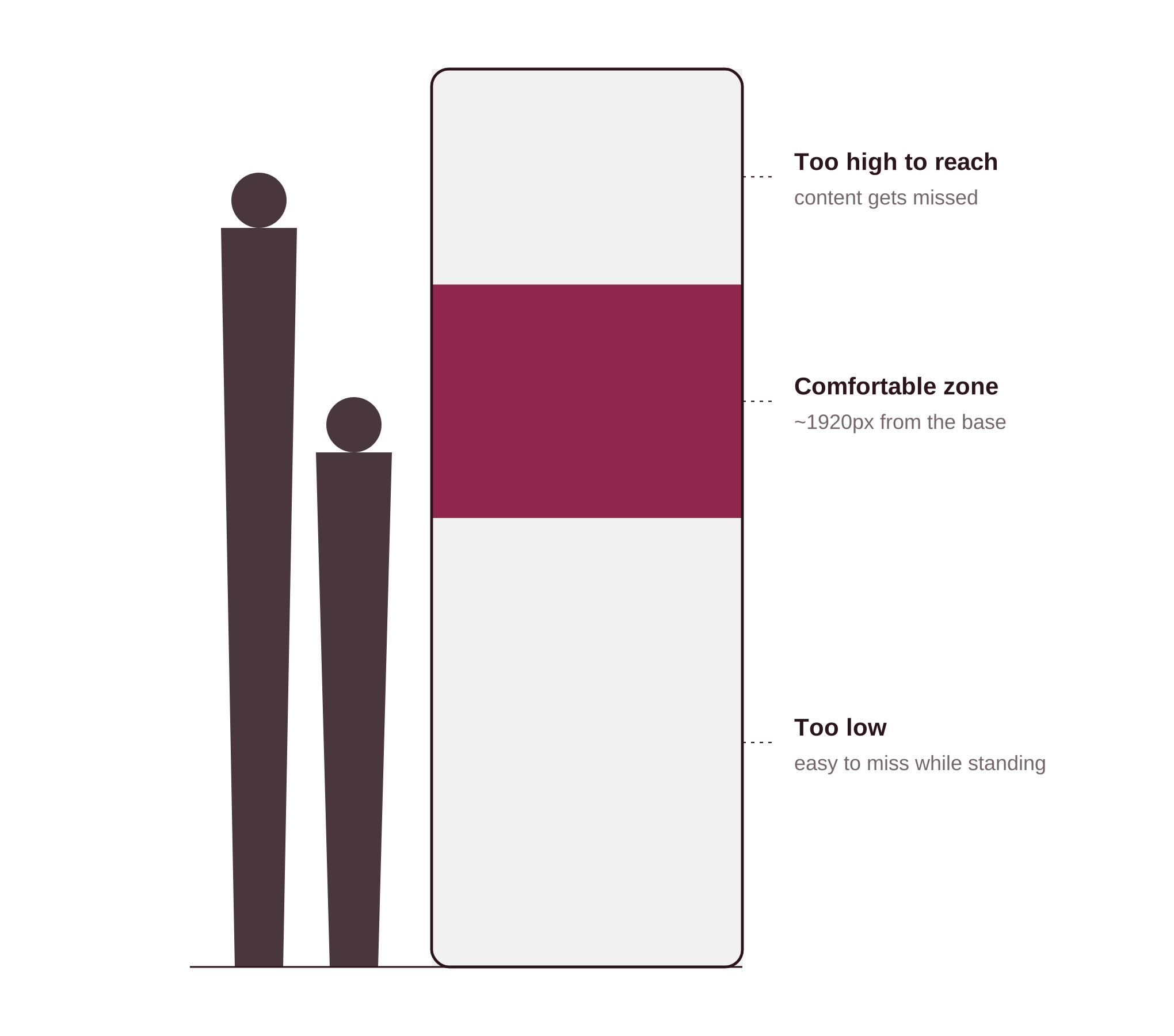
Design constraints
The HoloBox is a life-size, vertical physical object, not an abstract screen. Its shape imposes clear limitations. Content placed near the top is out of reach and often outside the viewer’s sightline, while content placed too low is easily missed. The usable area for interactive or readable content is a narrow strip, roughly a quarter to halfway down the screen, starting around 1920px from the base. All interactive elements must fit within this range to accommodate both children and tall adults. This constraint eliminated several layouts that worked on a laptop but failed at full scale.
Design Iterations
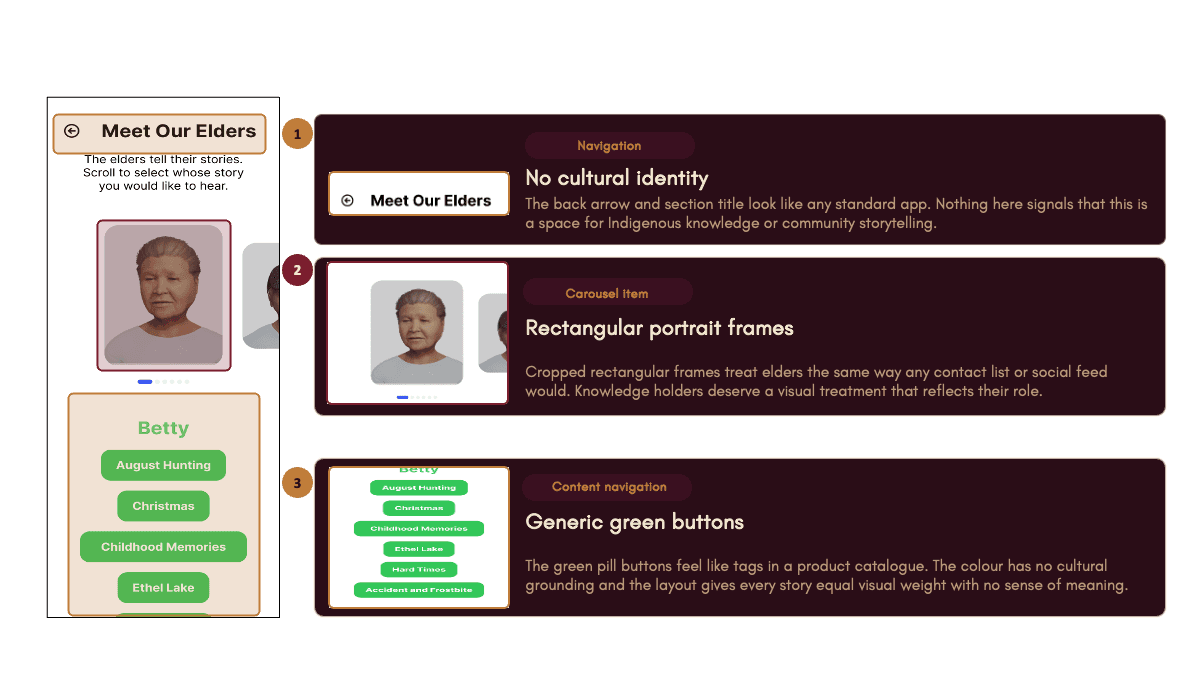
The first working version looked clean, but it didn’t feel right for the community. The white backgrounds, rectangular photo cards, and green buttons made it functional, but generic and disconnected from its purpose.

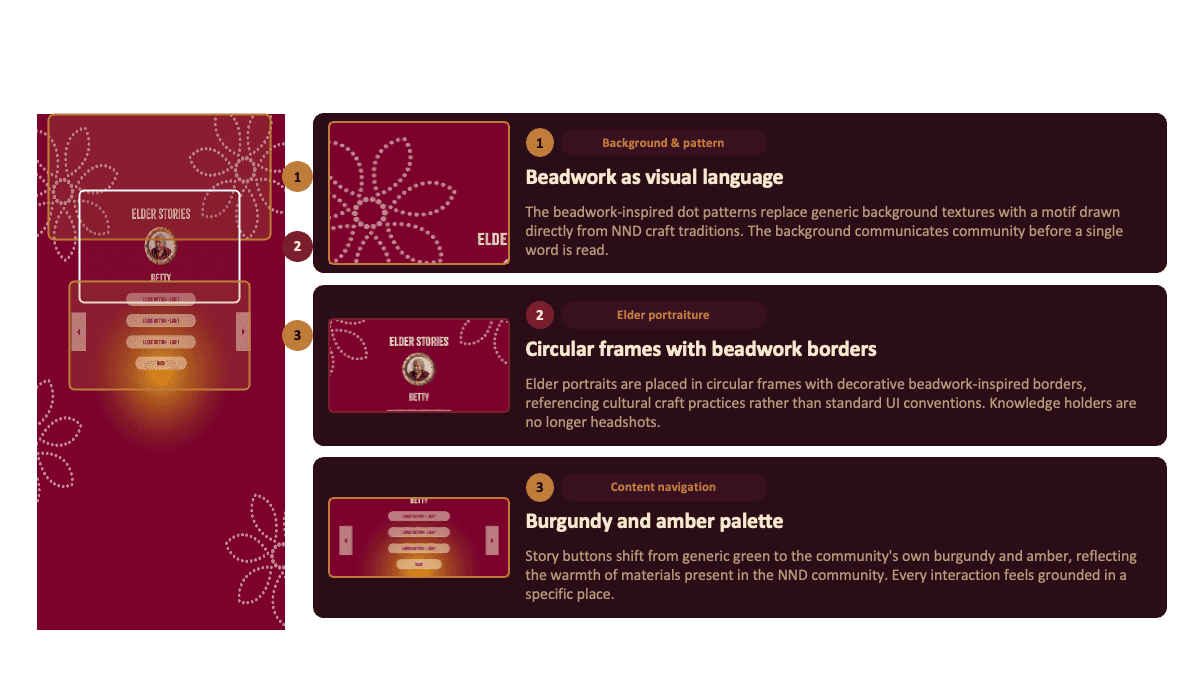
For the final version, I chose a burgundy and amber colour palette to reflect the warmth found in the community’s materials. I also placed elder portraits in circular frames with borders inspired by birchbark.
September 30th, 2025
The demo in Mayo, Yukon was where the design met reality. Watching community members interact with the HoloBox for the first time told me things no workshop could (where people hesitated and what drew them in).
Main Takeaways:
The design assumed one person standing alone. The community arrived together. That gap between how I imagined the interaction and how it actually happened told me more than any user interview could.
The environment told me something too. Ambient light, noise, and a crowd of people pushed the holographic illusion to its limits. Some things a designer controls. Some things belong to the room, and the design has to survive both.
What's next?
The HoloBox is shifting from a single-visitor setup to a more collaborative experience. In the next version, people will use their mobile devices as controllers. This allows groups to talk and pick content together instead of just one person making choices. This change is not just about new technology. It fits how NND already makes decisions as a group and responds directly to Mayo’s finding that visitors often arrive together.
year
ongoing
timeframe
2 years
tools
Figma, Photoshop, Miro
category
UI/UX